A whiteboard that lives on your computer. Rough out an idea, map a system, mock up a screen or draw the art for your game, all on one fast canvas. It's a native app on Windows and on Mac, it works offline, and it opens your Excalidraw and draw.io files.
every shape, one drag awaypin the tools you useall about what you picked
Nativea real app for Windows, and one for Mac
Offlineno account, nothing leaves your device
165library pieces ready to drag in
25templates to start from
Drag the handle
Messy when you're thinking. Tidy when you're sharing.
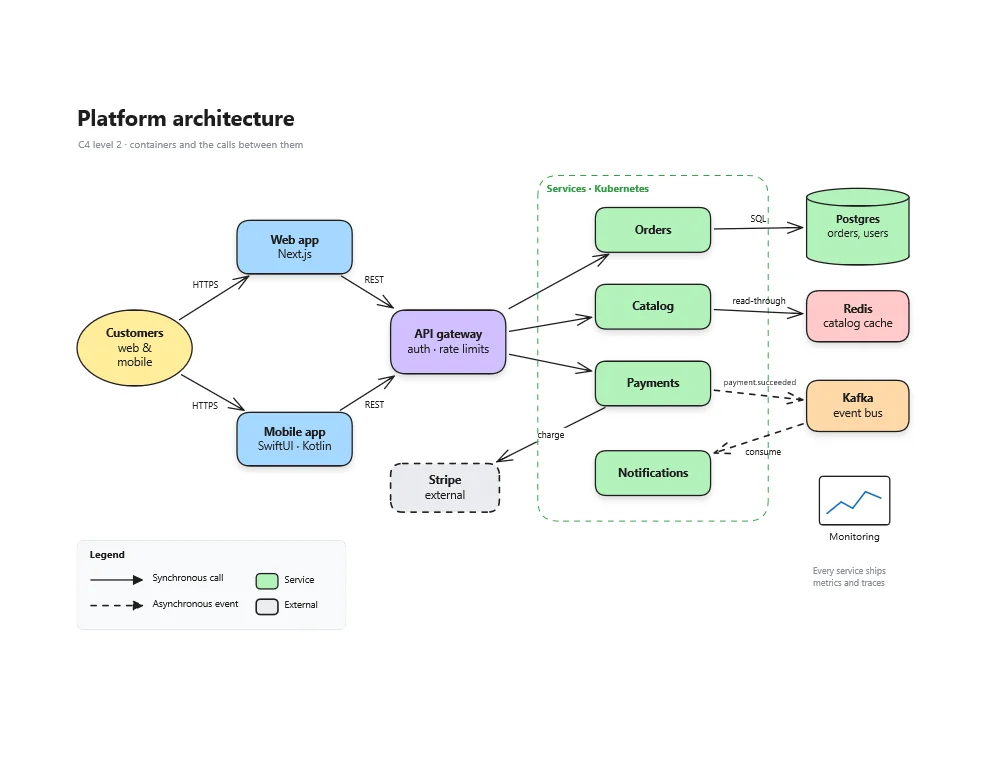
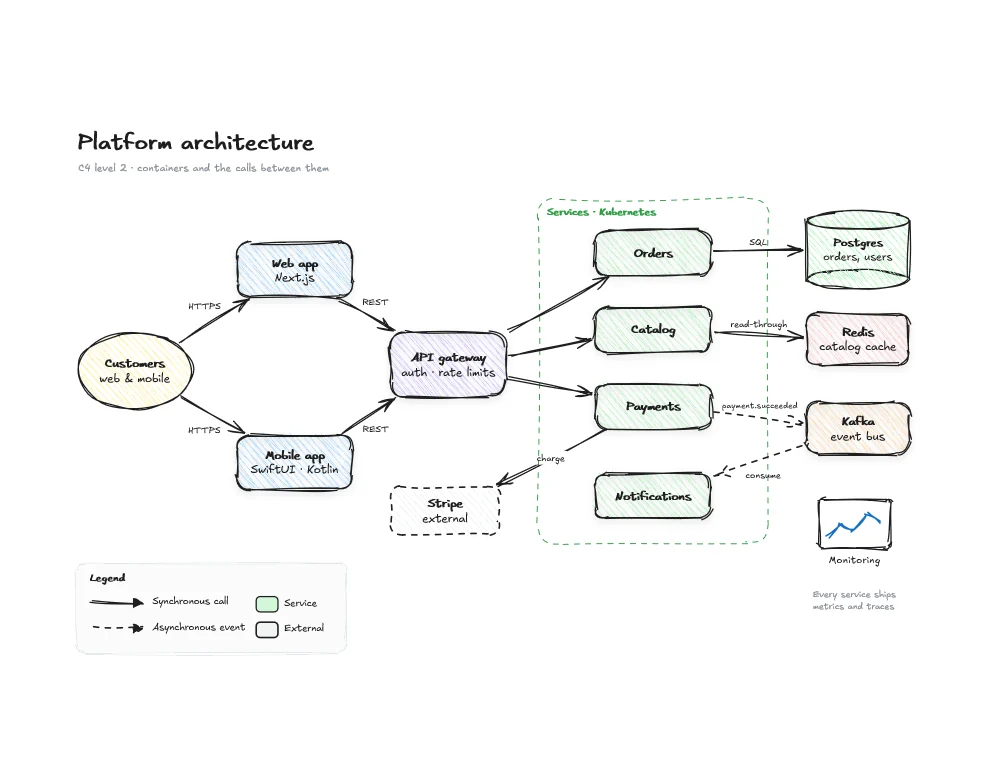
Start rough in the meeting, with wobbly lines, hatched fills and handwriting. When it's time for the design doc, switch the same drawing to crisp lines. You don't redraw a thing, and your arrows stay attached.
Hand-drawnClean
A proper desktop app
Room to think, with everything a click away.
The canvas fills the window. Panels float over it on frosted glass, slide away when you want the space, and peek back out when you rest the pointer at the edge. Every command has a shortcut, and the ones you use most sit in a quick bar you arrange yourself.
Screenshots from
Two apps, not one stretched across both
Made for Windows. Made for Mac.
Most whiteboards that run everywhere are a web page in a window. AtlasDraw is written twice, once for each platform, with the same tools that platform's own apps are built with. So it starts fast, behaves the way the rest of your computer does, and copes with big drawings: both apps are tested on drawings of more than 100,000 shapes, spread out and densely packed.
Windows 10 & 11
Built with WinUI 3 and Win2D
Mica, and menus in the title bar, like the Windows apps around it
Built natively for both x64 and Arm PCs
Drawn on the GPU in tiles, so panning only draws what's coming into view and an edit only redraws what it touched
If Windows restarts or the app crashes, your unsaved work is there when you open it again
macOS 26
Built with SwiftUI, AppKit and Metal
The real menu bar, ⌘ shortcuts and Liquid Glass
Pinch to zoom and two-finger pan, with a haptic tick when a value snaps into place
Proper Mac documents: Open Recent, Duplicate, Rename and Revert
Sandboxed, and it doesn't ask for network access at all
One file format. A drawing saved on a PC opens on a Mac exactly as you left it, and back again.
Not just diagrams
Draw the art for your game.
Characters, props, tiles, buttons and whole screens, drawn as vectors you can go on editing. Gradients, gel shading, glow and soft shadows are built in, so the art looks finished rather than diagrammed. When it's ready, export a transparent PNG or an SVG and drop it into your engine.
Whole screens, from the backdrop to the HUDSprite sheets, exported with a transparent background
Every pose, side by side
Hold Alt (⌥ on Mac) and drag to copy a character, move an arm, and that's your next frame. Frames keep each screen or sheet in its own box.
A kit you build once
Save sprites, props and buttons to your library and drag them onto any screen. As the scene fills up, Layers lets you name, hide and lock every piece.
Ready for the engine
Export PNG at 1×, 2× or 3× with the background switched off, or SVG that stays sharp at any size. Or copy it and paste it straight into another app.
Fly Swat's first level, built up a layer at a time: backdrop, surfaces, scenery, pickups, characters, then the HUD. Every piece is made of AtlasDraw's own shapes, gradients and effects, and the whole game kit is a single file of more than 20,000 shapes.
Straight off the canvas
One canvas, a lot of jobs.
Everything below is made with AtlasDraw's own shapes, paths, gradients and effects. There are no imported images.
Flowcharts with decisions, loops and labelled branchesNetwork diagrams, from the modem to every VLANScreen flows for the app you're planningMockups detailed enough to argue aboutWorkshops with stickies, votes and stampsIllustrations, just for the fun of it
Free shape libraries
More shapes, whenever you need them.
Eight free libraries with 207 more shapes, and more on the way. Install any of them from inside the app with Library ⋯ → Browse libraries, and it lets you know when one is updated.
Data · 23 shapes
Charts & graphs
Bar, line, pie, scatter and more, plus KPI tiles, gauges, funnels and Venn diagrams. Every label is editable.
Kanban and sprint boards, user stories, story maps, Gantt charts, roadmaps, RACI and risk matrices, burndown and velocity charts, and retrospective boards. Every label is editable.
Strategy and planning frameworks: SWOT, 2×2 matrices, business model and lean canvases, customer journey and empathy maps, OKRs and more. Every heading and note is editable text.
Schematic symbols for passive parts, semiconductors, sources, switches, meters and logic gates. Two-terminal parts share a 100 px grid so their leads chain end to end.
No account, no tracking and no browser. Every change is autosaved to the file a moment after you make it, so a crash or a restart doesn't cost you your work.
Opens what you have
Excalidraw and draw.io drawings open as they are, custom draw.io shapes included. Libraries from libraries.excalidraw.com drop straight into your library.
.excalidraw
.drawio
.excalidrawlib
Sends it anywhere
Export the drawing as an image or a PDF, or hand it on as an Excalidraw or draw.io file. You can also copy it and paste it straight into excalidraw.com.
PNG
SVG
PDF
Excalidraw
draw.io
Built in the open
Come and help shape it.
AtlasDraw isn't out yet, but you can already share shapes, tell us what's missing and see what other people are drawing.